
The 10 Best Sales Prospecting Tools for 2026
Your SDR has 40 accounts to touch before noon. Half the list is missing direct dials, two titles are outdated, and the reps are bouncing between LinkedIn, an email finder, a spreadsheet, and a sequencer just to launch one campaign. That is the point where prospecting slows down, even if the team is working hard.
The fix is rarely “buy the biggest database.” Teams usually need to choose the right stack by function. Some need an all-in-one system that combines data and outreach. Some need a cleaner data provider because coverage is the main issue. Others already have data and need orchestration to enrich, route, and trigger workflows across the stack.
That distinction matters because sales prospecting tools do different jobs. A good buying decision starts with the bottleneck. If reps cannot find accurate contacts, start with data. If they have data but execution is messy, fix orchestration. If a small team wants fewer moving parts, an all-in-one platform can make sense. For teams working on messaging quality as well as list building, this guide on how to cold contact prospects is a useful companion to the tools below.
The market has shifted toward platforms that combine sourcing, enrichment, and outreach. ZoomInfo describes SalesOS as a platform built around contact and company intelligence, while Apollo has pushed hard on combining prospect data with sequencing in one product, as noted in ZoomInfo’s roundup of sales prospecting tools. That shift is useful for some teams, but it also creates confusion. More features do not automatically mean a better stack.
This guide is built for that decision. It groups tools by what they are best at, all-in-one, data provider, or orchestration, and weighs them against budget, team size, and day-to-day workflow. That is a better way to choose than comparing feature grids in isolation.
1. ZoomInfo (SalesOS)
If you sell into mid-market or enterprise accounts and your reps need depth, ZoomInfo is usually one of the first tools to evaluate. It’s built for teams that care about account coverage, org charts, firmographics, technographics, buyer intent, and CRM sync more than they care about self-serve simplicity.
For U.S.-heavy outbound, ZoomInfo is often the benchmark database. It’s not the cheapest route, and it’s rarely the fastest tool to buy, but large teams often accept that trade because they want one system to support SDRs, AEs, RevOps, and enrichment workflows in the same motion.
Where ZoomInfo works best
ZoomInfo fits teams that need a lot of prospect context before first touch. SalesOS combines company and contact data, intent, site visitor identification, workflow features, CRM integrations, and a browser extension. For teams running structured outbound, that reduces tool hopping.
A practical use case is targeted outreach by territory or named-account list. Reps can pull contacts, check company fit, spot likely buying signals, and move leads into outreach systems without rebuilding the process every week. If your team also needs better first-touch messaging, this guide on how to cold contact prospects pairs well with a data-heavy platform like this.
Practical rule: Buy ZoomInfo when data coverage is the bottleneck. Don’t buy it if your real problem is poor messaging, weak process, or no sequencing discipline.
Trade-offs
-
Best for scale: Broad company and contact coverage supports large outbound teams.
-
Best for integrations: Mature CRM and sales workflow integrations help operationalize prospecting.
-
Watch the buying process: Pricing is typically quote-based, annual contracts are common, and that slows experimentation.
-
Watch extension reliability: Some teams like the browser workflow. Others find it less dependable than they want.
You can start at ZoomInfo if enterprise data depth is the main requirement.
2. Apollo.io
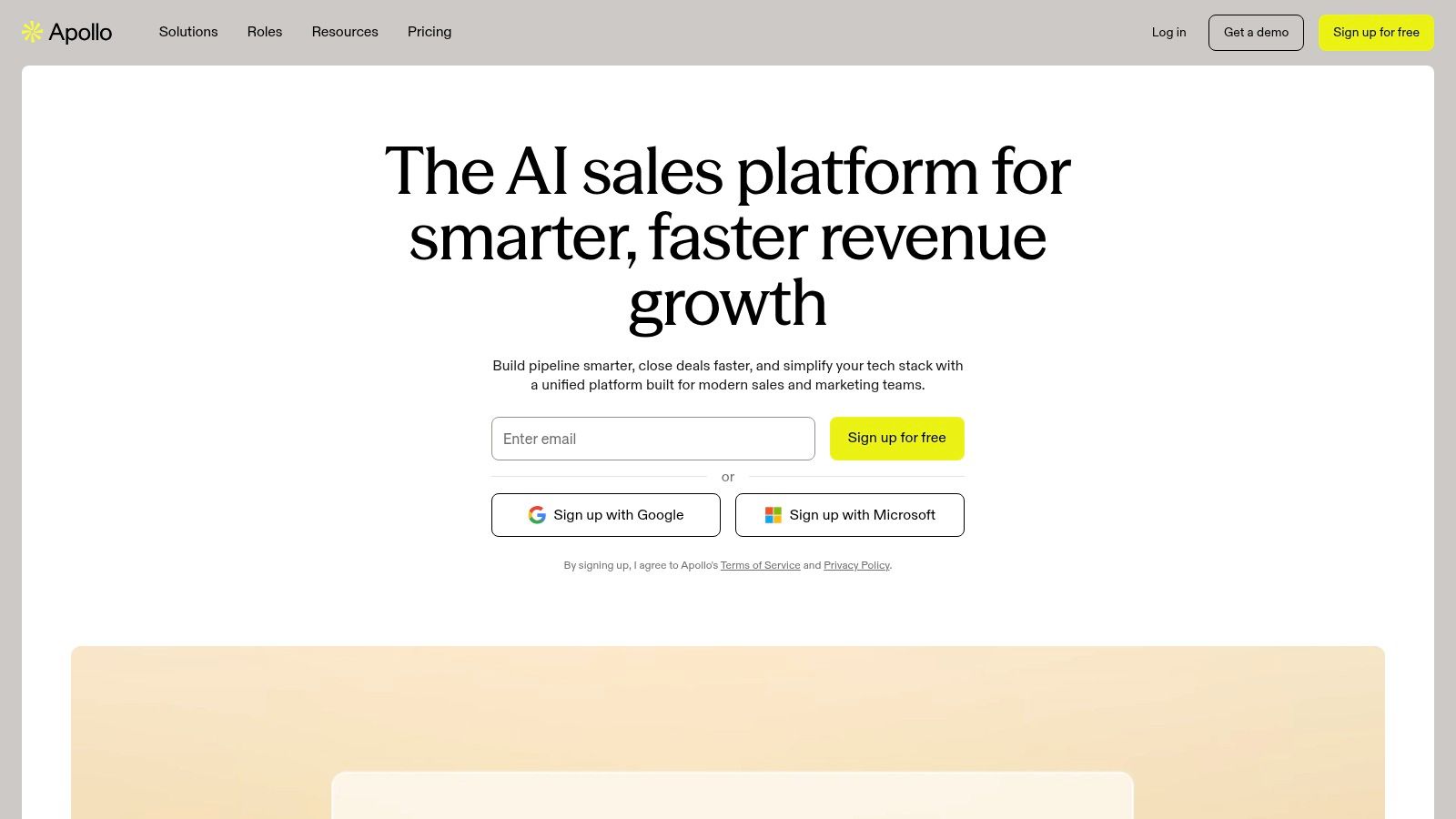
A two-person outbound team usually hits the same wall fast. One tool for data, another for sequencing, a spreadsheet for cleanup, and too much time lost between building a list and sending the first email. Apollo is one of the few platforms that can collapse that workflow into a single system without forcing enterprise pricing from day one.
That matters if you are building a prospecting stack by function. Apollo sits in the all-in-one bucket. It gives teams contact and company search, email sequencing, basic enrichment, inbox features, and a Chrome extension in one place. For startups, agencies, and early sales teams, that is often enough to get outbound running without buying a separate data provider and orchestration layer.
Where Apollo works best
Apollo fits teams that need coverage across the whole workflow more than best-in-class performance in one area. I usually recommend it when the same person is sourcing leads, writing copy, launching sequences, and checking replies. In that setup, fewer handoffs matter more than perfect data depth.
It is especially useful for cold email programs with tight budgets. Teams can build a list, filter by role and company traits, push prospects into sequences, and make changes quickly if reply rates come in weak. If you are still deciding whether an all-in-one setup is the right category, these Apollo.io alternatives help compare that path against a more modular stack. For teams that also prospect heavily on LinkedIn, this guide to finding LinkedIn B2B leads is a useful companion.
Trade-offs that matter
Apollo is a strong fit when speed, cost control, and acceptable coverage matter more than premium data accuracy.
-
Good all-around value: One subscription can cover sourcing, outreach, and some enrichment for SMB and mid-market teams.
-
Fast to launch: Reps can go from search to sequence with less setup than a multi-tool stack.
-
Data quality is uneven: Direct dials, mobile numbers, and title accuracy can be hit or miss in some segments.
-
Limits need review: Credits, email volume rules, and feature access vary by plan, so check the current terms before rolling it out widely.
The core trade-off is simple. Apollo saves money and reduces operational drag, but it does not replace a premium database for every market or use case. If your team needs one system that does a lot reasonably well, it is a practical choice. You can evaluate it directly at Apollo.
3. LinkedIn Sales Navigator
A rep pulls a list from a database, sends 200 emails, and gets nothing back. Then they open LinkedIn and notice the target account was reorganized last month, the likely buyer changed roles, and the key influencer never made the list. Sales Navigator fixes that kind of targeting miss.
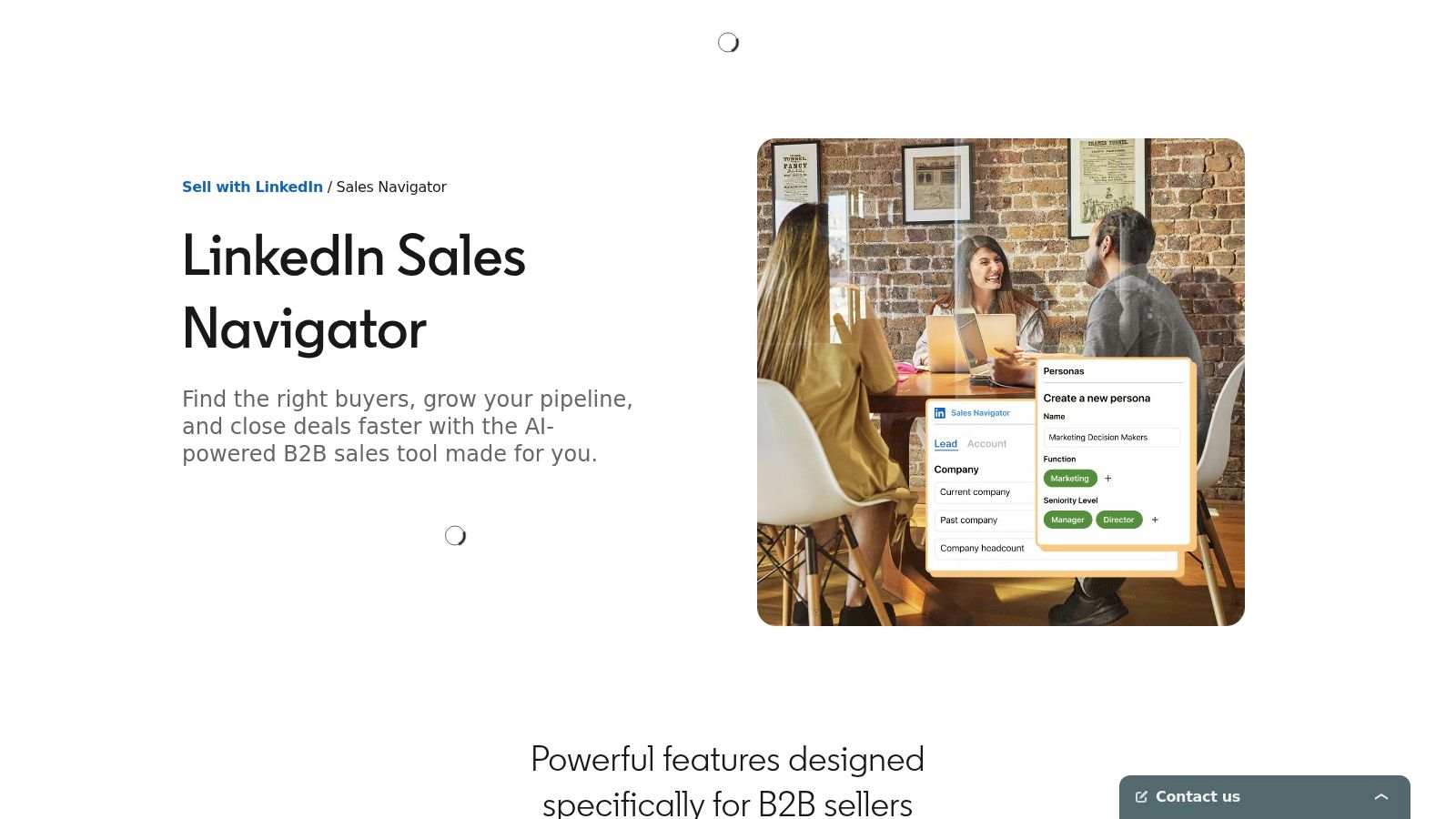
In a prospecting stack, Sales Navigator is not your contact database or sequencing tool. It is your targeting and account-mapping layer. That distinction matters. Teams that buy it expecting verified emails and phone numbers usually end up disappointed. Teams that use it to find the right people, read account movement, and spot timing signals usually get better reply quality from the tools they already have.
It is especially useful for committee sales, account-based outbound, and any motion where relevance matters more than raw lead volume. Reps can filter by function, seniority, geography, company headcount, and recent activity, then save accounts and leads as signals change. That makes it easier to build outreach around something real instead of guessing.
What it does better than databases
Sales Navigator is strong at org chart work. You can identify likely champions, blockers, and budget owners inside the same account, then track job changes, hiring patterns, and content activity over time. That context improves list quality before a single email gets sent.
It also gives reps better opening angles. A promotion, a funding event, a new initiative in the feed, or a shared connection is more useful than a generic personalization line. If your team struggles with list quality after lead sourcing, this guide on how to qualify sales leads fits well with a Sales Navigator workflow.
Bad outbound often starts with bad targeting. The message is not always the problem. The rep picked the wrong person, missed the buying group, or ignored a visible timing signal.
Trade-offs that matter
-
Best for targeting precision: Search filters and account visibility are useful for ICP-based prospecting.
-
Strong for relationship selling: TeamLink, shared connections, and account updates help reps find warmer paths in.
-
Incomplete on its own: You still need email discovery, verification, and usually a separate sequencing platform.
-
Harder to justify for every seat: It pays off most for reps working named accounts, larger deal cycles, or LinkedIn-heavy prospecting.
Sales Navigator fits the Orchestration and targeting side of a prospecting stack, not the All-in-One or Data Provider category. If your team already has a way to find and verify contact data, adding LinkedIn Sales Navigator often improves who you target and why you reach out. That is the core return.
4. Cognism
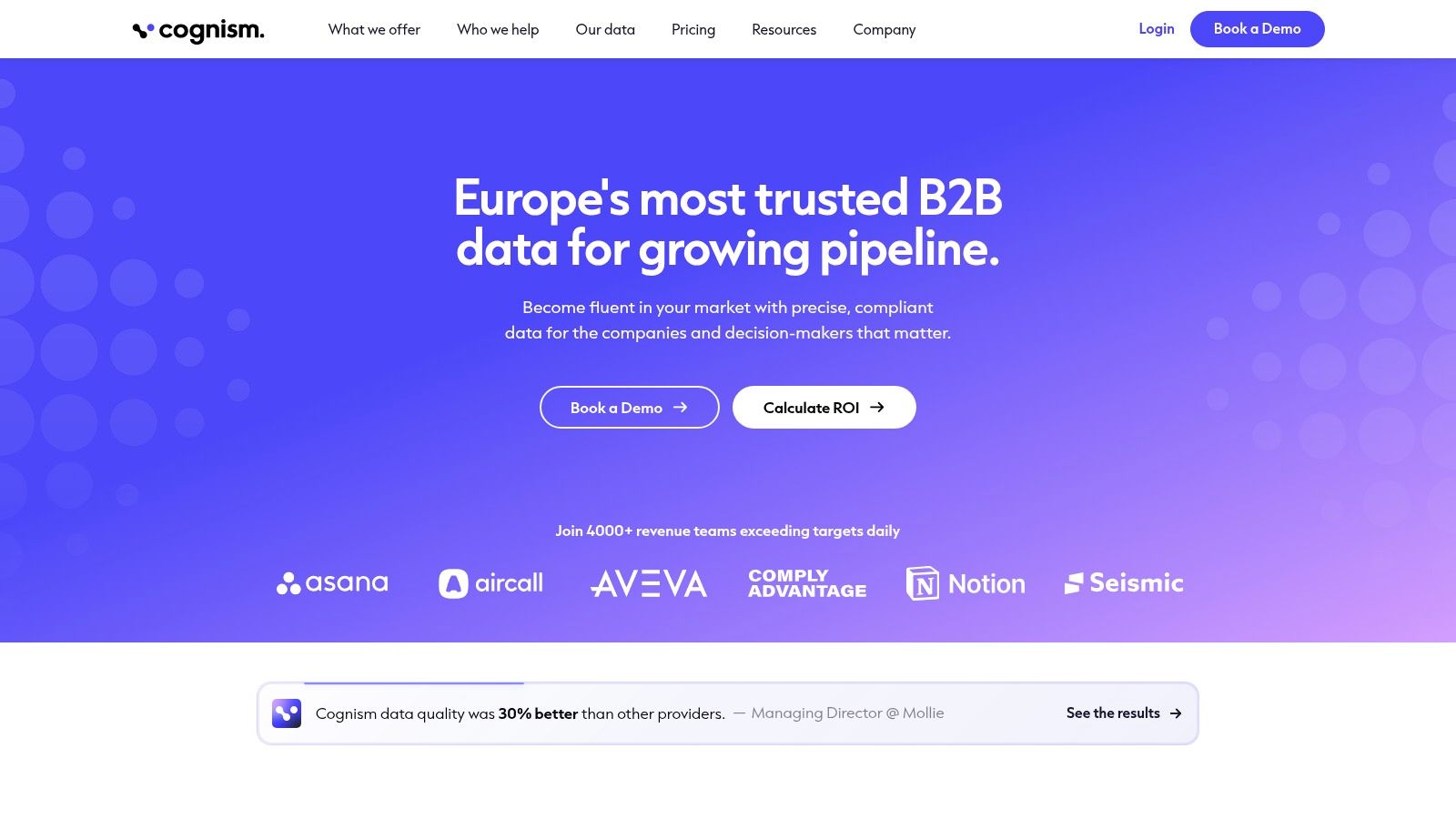
Cognism earns its place when compliance isn’t a side concern. If you prospect across regions, especially into Europe, the tool’s compliance posture becomes a real buying factor rather than a nice-to-have.
A lot of teams only think about privacy rules after a campaign gets blocked internally. Cognism is better suited to companies that want documented GDPR and CCPA-aligned workflows, DNC and TPS screening, and stronger confidence when prospecting across borders.
Best fit
Cognism is a good match for teams that rely on phone outreach and operate in regulated or compliance-sensitive environments. It’s also useful for organizations with EMEA coverage needs that don’t want to treat European prospecting as an afterthought.
A core benefit is operational confidence. SDR leaders can build lists and calling workflows without having to invent manual checks around every region. That’s especially useful when qualification standards matter just as much as list size. For that side of the process, this resource on how to qualify sales leads is worth keeping close.
Real trade-offs
-
Compliance-first: Useful for teams with strict legal review or cross-border outreach.
-
Strong for EMEA: Often a better fit than U.S.-centric providers when European coverage matters.
-
Phone-first teams benefit: Mobile coverage and screening controls support calling motions.
-
Price and procurement can be heavy: It’s usually a quote-based sale and can land near enterprise budget territory.
Cognism isn’t the automatic choice for every team. But if legal risk and regional compliance keep slowing your outbound, Cognism solves a real operational problem.
5. Clay
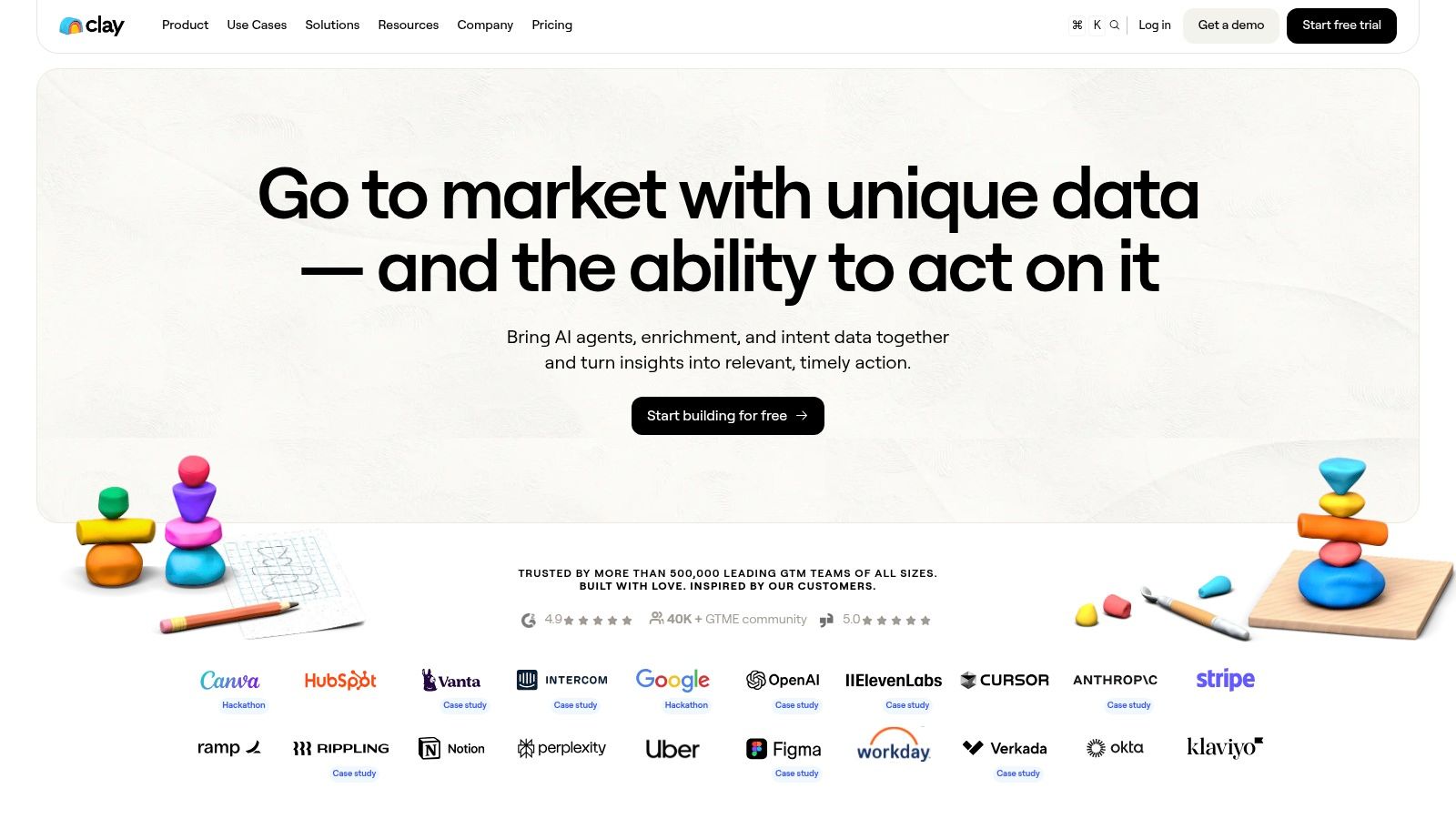
Clay isn’t a classic database and it isn’t a classic sequencer. It’s a data orchestration layer, which is exactly why advanced outbound teams like it.
When your prospecting motion depends on multiple data vendors, custom signals, enrichment waterfalls, and AI-generated personalization, Clay becomes the control center. Agencies, RevOps teams, and outbound operators who run nuanced workflows usually get more value from Clay than teams that just want a list and a sequence.
Why it stands out
Clay is strongest when your sales motion depends on joining data from many sources and shaping it before outreach. You can enrich company and people records, trigger actions, build tables around custom conditions, and push cleaned records into CRMs or outbound tools.
That flexibility matters more now because prospecting is shifting toward workflow automation, not just database access. Recent tool coverage highlights AI-assisted prospecting across platforms, but the practical insight is that AI helps most with speed and personalization at scale while human judgment still decides fit, trigger quality, and timing. That broader trend is reflected in Pipedrive’s prospecting tools overview.
Clay is powerful when you know what signal you want. It gets expensive and messy when you automate research you don’t actually use.
Where teams get into trouble
-
Great for orchestration: Waterfall enrichment can reduce dependence on a single vendor.
-
Great for customization: You can build nuanced lead models and personalization workflows.
-
Harder to govern: Credit usage and Actions can become costly if workflows run too often.
-
Not ideal for beginners: Teams without process discipline can build complexity faster than value.
If you want a modular stack with a smart orchestration layer, Clay is one of the best options.
6. Lusha
Lusha is the opposite of enterprise sprawl. It’s simple, fast to deploy, and easy for individual reps or small teams to understand. That matters more than most buyers admit.
If your current prospecting flow starts in LinkedIn and ends with a few verified contact reveals, Lusha fits. It’s useful for founder-led sales, recruiters doing light outbound, small SDR teams, and contractors who need self-serve access without a long admin setup.
Best use case
Lusha works well when one person is doing one-to-few prospecting from browser-based research. The extension workflow is straightforward. Reps can pull contact info, move fast, and avoid buying a heavier platform than they need.
It’s also a good “bridge tool” for companies that aren’t ready for a full stack refresh. You can keep your CRM and sequencing setup and improve contact discovery for the reps who live in LinkedIn.
Limits to respect
-
Easy to adopt: Minimal setup and a simple interface help small teams move quickly.
-
Self-serve pricing helps: Transparent plans are easier to evaluate than quote-based contracts.
-
Coverage is narrower: It won’t replace broader data providers for larger outbound programs.
-
Usage discipline matters: Small teams can still overspend if they obtain contacts casually instead of from a defined ICP.
Lusha is best when simplicity is the feature. You can review it at Lusha.
7. LeadIQ
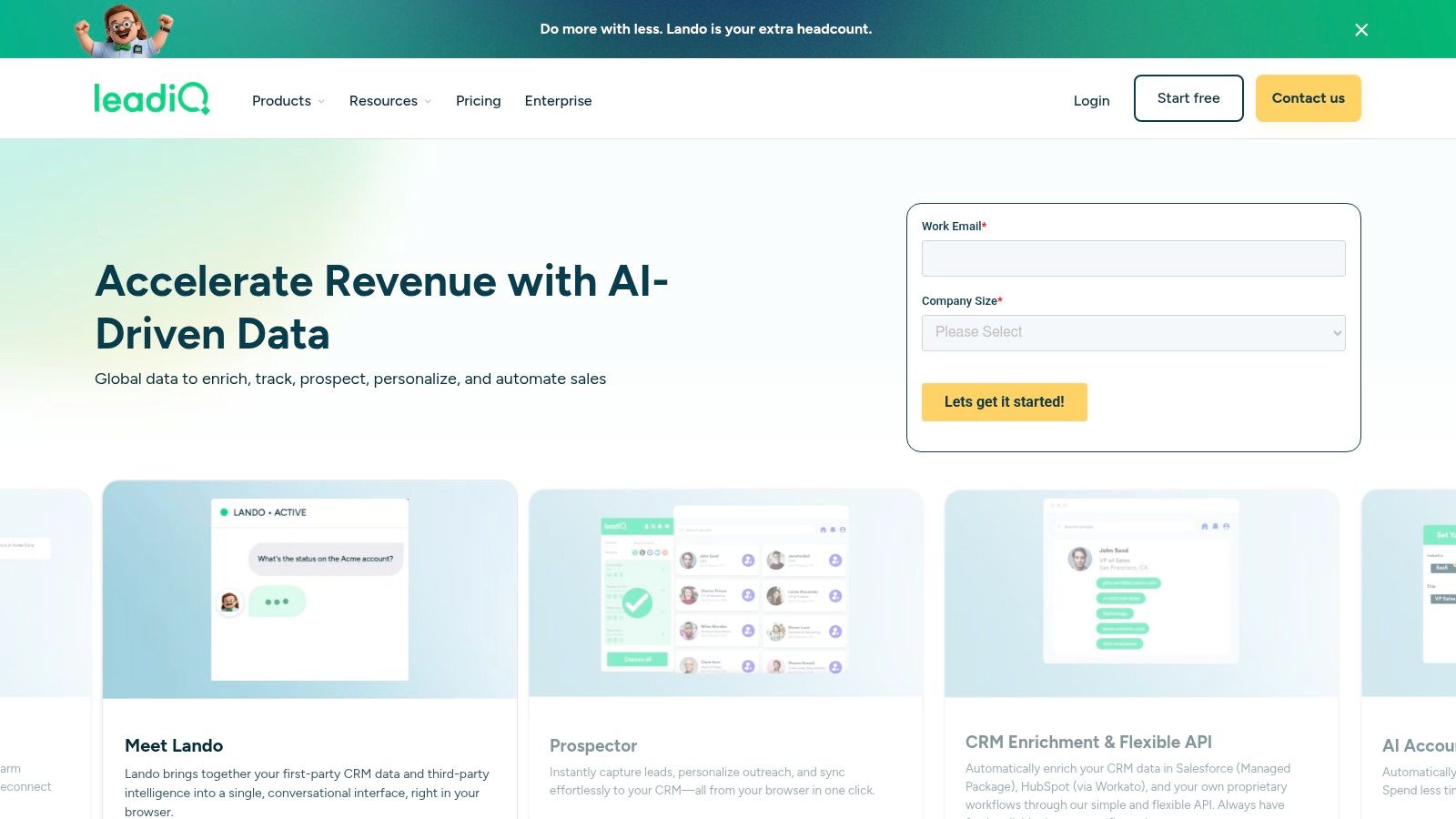
LeadIQ is built for reps who prospect inside LinkedIn all day and need capture-to-CRM speed. It doesn’t try to be everything. That’s part of the appeal.
A lot of teams don’t need another giant platform. They need cleaner prospect capture, duplicate control, job-change tracking, and easier sync into CRM and sequencing tools. LeadIQ does that job well enough to justify its spot in a stack.
What it’s best at
LeadIQ is strong for champion tracking and trigger-based outreach. Reps can capture prospects from LinkedIn, track job changes, and keep list building close to where they research.
That’s especially useful in markets where relationships move with people. A champion leaves one account, joins another, and suddenly you have a warmer opening than any cold list could provide.
The trade-offs
-
Good workflow fit: It supports browser-first prospecting without much friction.
-
Cost visibility helps: Transparent credit logic makes it easier to manage usage.
-
Usually not a full stack: Many teams still pair it with another data source.
-
Phone data can cost more: Mobile lookups often consume credits faster than email-first workflows.
LeadIQ is a strong workflow tool for SDR teams that prospect socially first and enrich second. You can explore it at LeadIQ.
8. UpLead
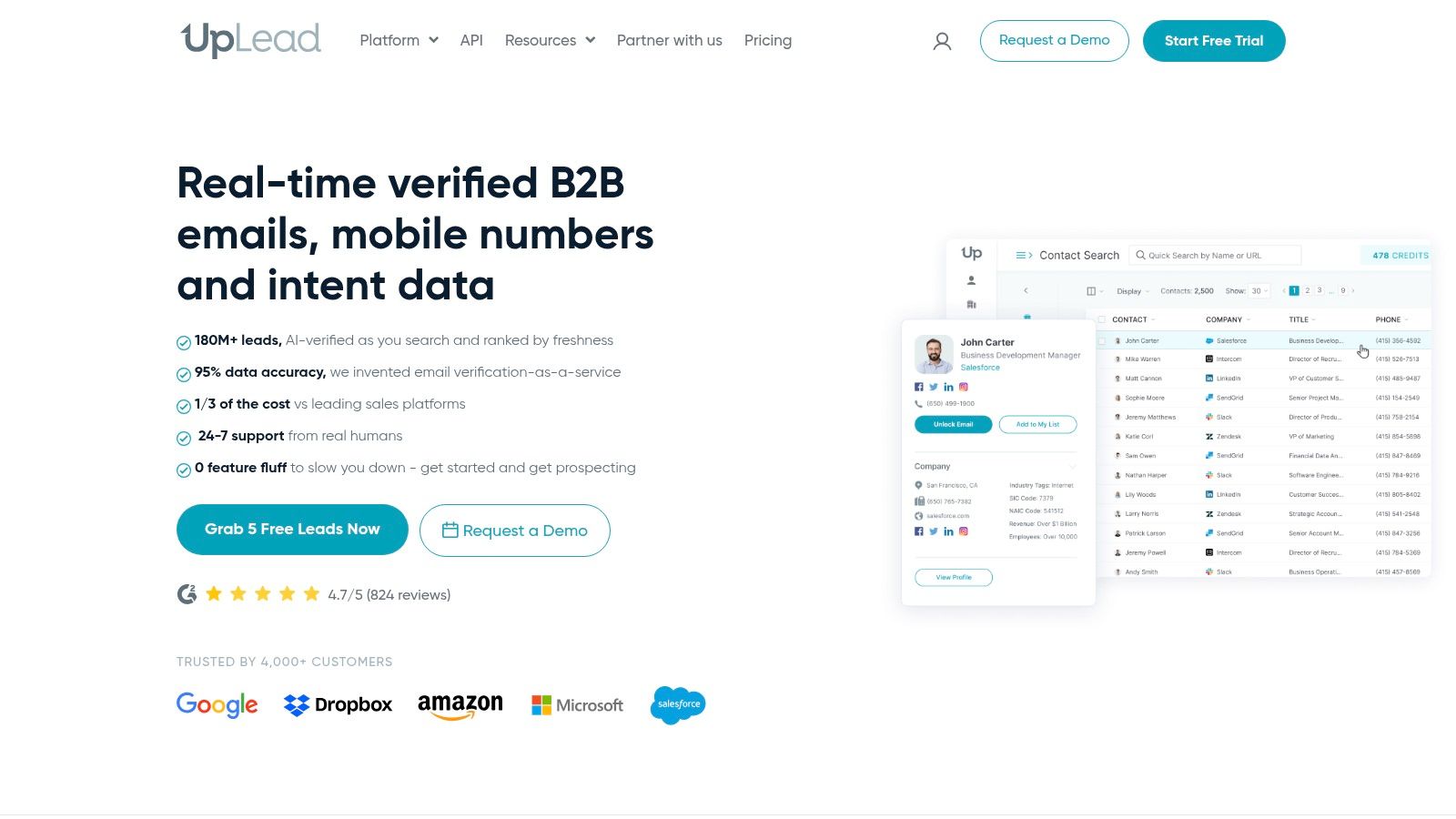
UpLead is one of the cleaner options for teams that want predictable, self-serve list building. It doesn’t carry the same enterprise aura as ZoomInfo, and that’s fine. Many teams don’t need that.
What they do need is clear pricing, a usable database, verified emails, direct dials, and enough firmographic or technographic filtering to build lists without negotiation calls and annual contract friction.
Why buyers like it
UpLead is good for teams that want control over list-building costs. It’s easier to test, easier to budget, and easier to hand to a small outbound team than a heavier enterprise product.
That makes it attractive for agencies, startups, and in-house teams that want to verify fit before scaling commitment. It also works well as a secondary data source when your primary provider has gaps in specific segments.
If your RevOps team keeps asking for predictable spend, self-serve tools like UpLead are often easier to keep than quote-based platforms, even when they’re not the broadest database.
What to watch
-
Clear pricing: Easy to forecast and trial.
-
Verification emphasis: Useful for reducing bad list quality before launch.
-
Smaller coverage than top enterprise catalogs: Check your ICP before standardizing on it.
-
Advanced needs may push you upmarket: API access and deeper features usually sit on higher tiers.
If predictable list-building cost matters as much as feature depth, take a look at UpLead.
9. RocketReach
RocketReach is often best as a supporting tool, not the center of your stack. That’s not a criticism. Some tools earn their value by filling gaps quickly.
If you already have a main data provider but still run into missing contacts, ad-hoc research needs, or one-off account investigations, RocketReach can be useful. It’s easy to start, familiar to many reps, and works well enough for quick lookup workflows.
When it earns a seat
RocketReach fits teams that need supplemental coverage or fast individual contact lookups. It’s also useful for marketing, partnerships, and recruiting teams that occasionally need prospect data without buying a full outbound platform.
The browser extension and basic export workflows make it practical for opportunistic prospecting. That’s the key point. It’s a convenience layer, not always a full operating system.
Downsides to plan for
-
Fast to start: Good for ad-hoc prospecting and gap filling.
-
Useful as backup data: Helps when your main provider misses a contact.
-
Plan complexity can confuse buyers: Monthly and annual entitlements need close review.
-
Verification still matters: Accuracy can vary, so pair with validation before sending at scale.
RocketReach makes the most sense as a secondary source in a layered stack. You can check current options at RocketReach.
10. Hunter
A rep pulls 800 contacts from two data sources, loads them into a sequencer, and sees bounce rates spike in the first send. Hunter exists to catch that mistake before it costs replies, domain health, and time.
Its role in a prospecting stack is narrow, but clear. Hunter is an email finding and verification tool first. It helps teams confirm addresses, run domain-level research, and clean lists before outreach goes live. For small teams without an ops layer, that alone can justify the spend.
Best role in the stack
Hunter fits the Data Provider category, but in practice I treat it as a validation layer rather than a primary database. It works well alongside Sales Navigator, Apollo, UpLead, or manual research workflows where the contact source is good enough to start but not trustworthy enough to send at volume.
That distinction matters. If your main problem is account coverage, mobile numbers, or buying signals, Hunter will not solve it. If your main problem is “we have names and domains, now we need valid emails we can use,” it is a strong fit.
It also pairs well with message testing. Once the list is clean, the next failure point is usually copy, not data, so it helps to keep a few cold email template formats that fit different outreach scenarios close by.
Where it helps, and where it stops
-
Strong for email verification: Useful before list imports, re-engagement campaigns, and bulk cleanup.
-
Practical domain workflows: Domain search and email pattern discovery are fast to operationalize.
-
Light on broader sales intel: You are not getting deep company context, intent data, or much phone coverage.
-
Best as part of a stack: Hunter needs an upstream source for accounts and prospects.
Hunter is a good buy for teams that already know who they want to contact and need cleaner email data before sending. You can use it directly at Hunter.
Top 10 Sales Prospecting Tools Comparison
| Tool | Core features | Quality (★) | Price / Value (💰) | Target (👥) | Unique selling points (✨ / 🏆) |
|---|---|---|---|---|---|
| ZoomInfo (SalesOS) | ✨ Deep company & contact data, intent, enrichment, CRM integrations | ★★★★★ | 💰 High / quote-based | 👥 Mid-market & enterprise sales teams | 🏆 Broadest U.S. coverage, strong intent signals |
| Apollo.io | ✨ All-in-one DB + sequencing, dialer, enrichment, API | ★★★★☆ | 💰 Mid / approachable pricing & credits | 👥 SMBs, agencies, high-volume outbound | ✨ Single-tool stack for list → outreach |
| LinkedIn Sales Navigator | ✨ Advanced social prospecting, account & lead filters, alerts | ★★★★☆ | 💰 Mid / tiered by region | 👥 ABM sellers, SDRs, recruiters | 🏆 Best org visibility & job-change signals |
| Cognism | ✨ Global database with GDPR/CCPA workflows and DNC screening | ★★★★ | 💰 Mid - High / quote-based | 👥 Cross-border teams, EMEA-focused outreach | ✨ Compliance-first data + DNC/TPS coverage |
| Clay | ✨ Waterfall enrichment, AI personalization, multi-vendor orchestration | ★★★★ | 💰 Mid / credits & action-based | 👥 Agencies & multi-client data teams | ✨ Vendor-agnostic enrichment + automation |
| Lusha | ✨ Chrome reveal extension, credit-based contact unlocks, self-serve | ★★★★ | 💰 Low - Mid / transparent plans | 👥 Small teams, SDRs, LinkedIn prospectors | ✨ Fast, easy LinkedIn-to-contact flow |
| LeadIQ | ✨ Live profile capture, job-change signals, clear credit rules | ★★★★ | 💰 Mid / transparent credits | 👥 SDR teams focused on LinkedIn capture | ✨ Credit transparency + quick CRM capture |
| UpLead | ✨ Verified emails & direct-dials, technographics, clear quotas | ★★★★ | 💰 Mid / predictable, self-serve | 👥 Teams needing verified lists without contracts | ✨ Strong verification to reduce bounces |
| RocketReach | ✨ Self-serve contact lookup, exports, Chrome extension | ★★★ | 💰 Low - Mid (annual good for volume) | 👥 Ad-hoc prospectors & data gap fillers | ✨ Quick ad-hoc lookups to supplement datasets |
| Hunter | ✨ Domain search, email finder & bulk verifier, simple campaigns | ★★★★ | 💰 Low - Mid / transparent | 👥 Ops, list-QA teams, SDRs | ✨ Reliable email verification to protect sender reputation |
Action Over Tools: Focus on Closing, Not Prospecting
On Monday morning, reps are often buried in tabs before they have sent a single message worth reading. One tool for contact data, another for sequencing, another for verification, and a spreadsheet trying to hold it together. That setup usually fails for a simple reason. The stack was assembled feature by feature instead of workflow by workflow.
A better way to choose prospecting tools is to start with the job each tool owns.
All in one platforms fit teams that need list building, sequencing, and basic reporting in one place without adding a lot of process overhead. Dedicated data providers fit teams that care more about coverage, direct dials, compliance, or account depth than they do about keeping spend low. Orchestration tools fit teams that already have data sources and need cleaner enrichment, routing logic, trigger handling, and personalization inputs across systems.
That framing matters more than another feature comparison table.
AI has changed speed more than judgment. It helps reps research accounts faster, draft a usable first pass, sort inbound signals, and cut manual list prep. It does not decide whether an account belongs in your ICP, whether the timing is real, or whether the message is specific enough to earn a reply. Those calls still sit with the rep and the manager.
The trade-off is straightforward. Teams selling into fast-moving markets benefit from quick signal capture and fast execution. Teams working larger deals usually get better results from tighter account selection, better contact mapping, and more thoughtful messaging. Problems start when a team tries to support both motions with one messy stack and no clear owner for data quality, enrichment rules, or outbound execution.
I have seen expensive tools underperform for one reason more than any other. No one defined how the team was supposed to use them.
Set simple rules early. Decide who sources accounts, who checks data, what gets verified before launch, and what happens when contact accuracy drops. Review reply quality, not just activity volume. A stack that creates more records but lowers relevance will waste rep time and hurt deliverability.
The same stack-discipline question shows up outside sales, too. Once outbound is running cleanly, a lot of B2B teams turn to earning backlinks and editorial mentions next, and hit a familiar bottleneck: finding the right sites, the right contact, and personalizing the pitch at any real volume. Link building software exists for that exact gap, handling the research and outreach side of earning coverage instead of a team doing it one email at a time.
Sometimes the best fix is reducing tool load, not adding to it. If the team needs to stay focused on calls, follow-up, and deal work, outsourcing list QA, infrastructure, or outbound execution can make sense. Fypion Marketing is one example of a performance-based B2B lead generation agency focused on qualified meetings. If you are also tightening the content side of outbound, discover AI tools for content pros. You can also read Ellie’s guide to email automation for process ideas.
Test one real workflow before you commit. Build a target list, enrich it, verify it, launch outreach, and review what broke. The best prospecting stack is not the one with the most features. It is the one your team can run every week without friction and still have time left for the work that creates pipeline.